
Case study | Tokenomy
Withdraw to bank account: the exit
Tokenomy gave users a way into the crypto market, but no way out to a bank account. I designed the exit: where bank accounts live in the product, how they are kept apart from everyday screens, and how the new entry fits into settings.
The problem
An entry with no exit
Users could buy and hold crypto, but could not move their money back to a bank account from the product. A market you can enter and not leave is hard to trust, so the exit was part of the product, not an extra.
What I explored
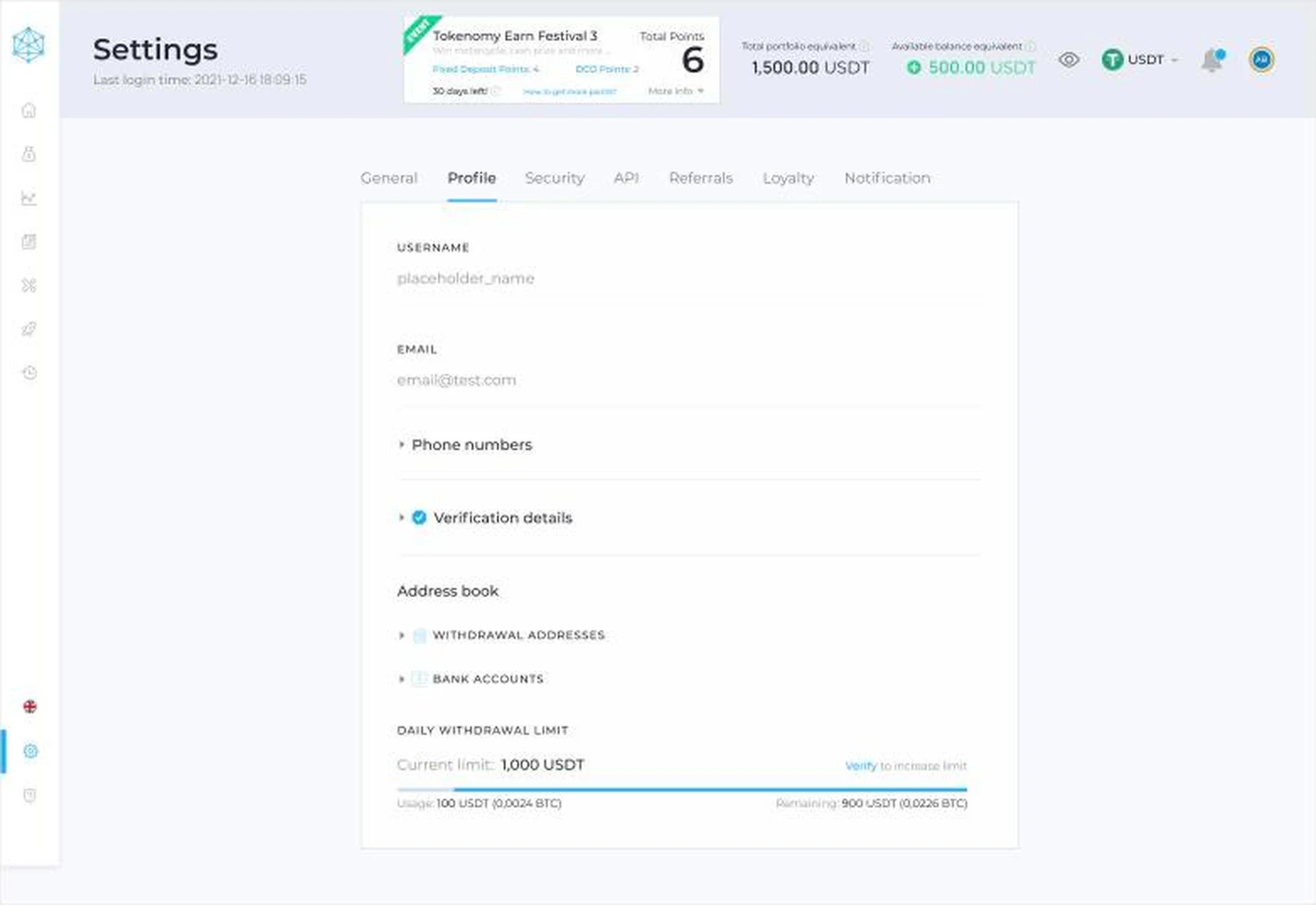
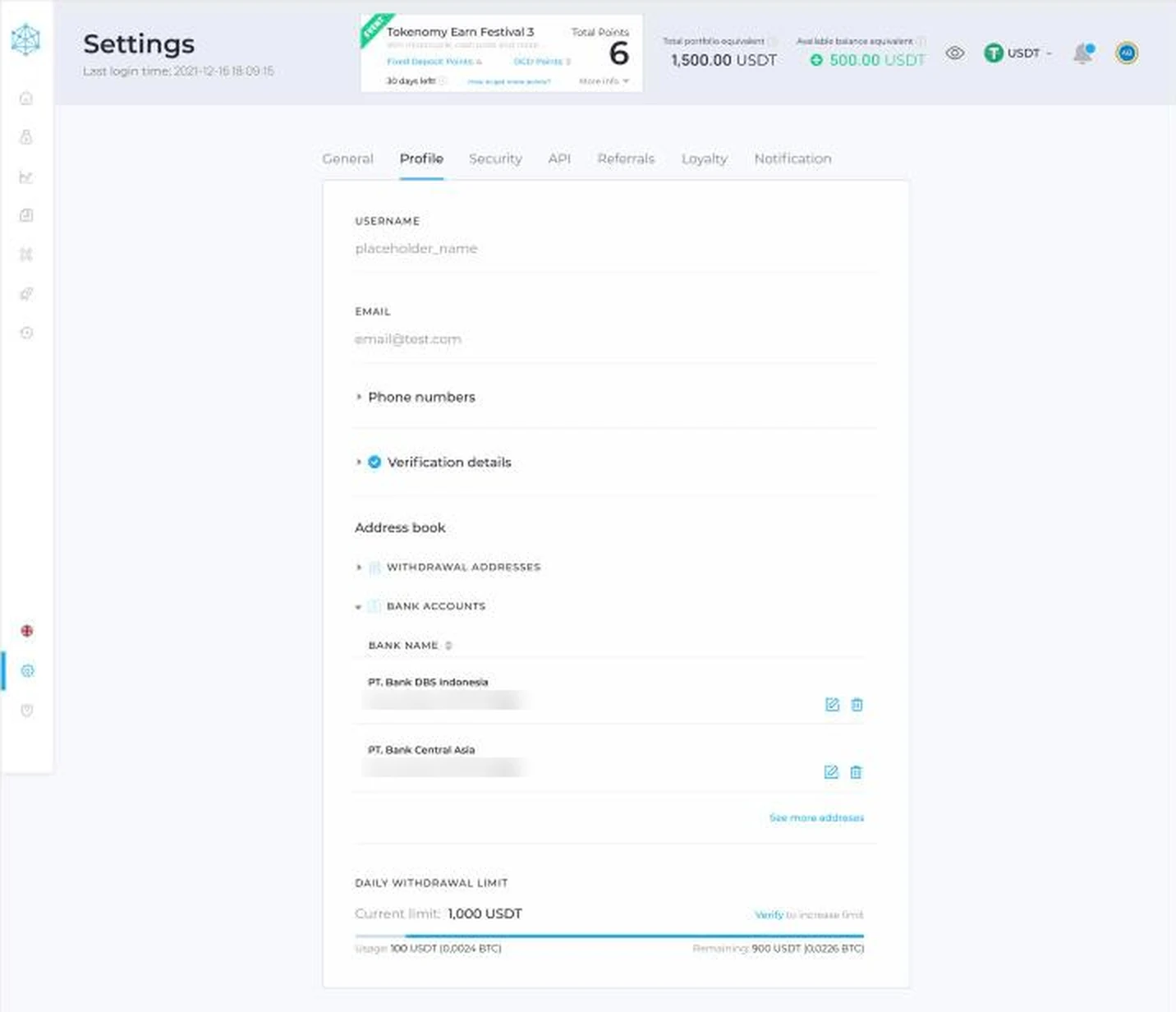
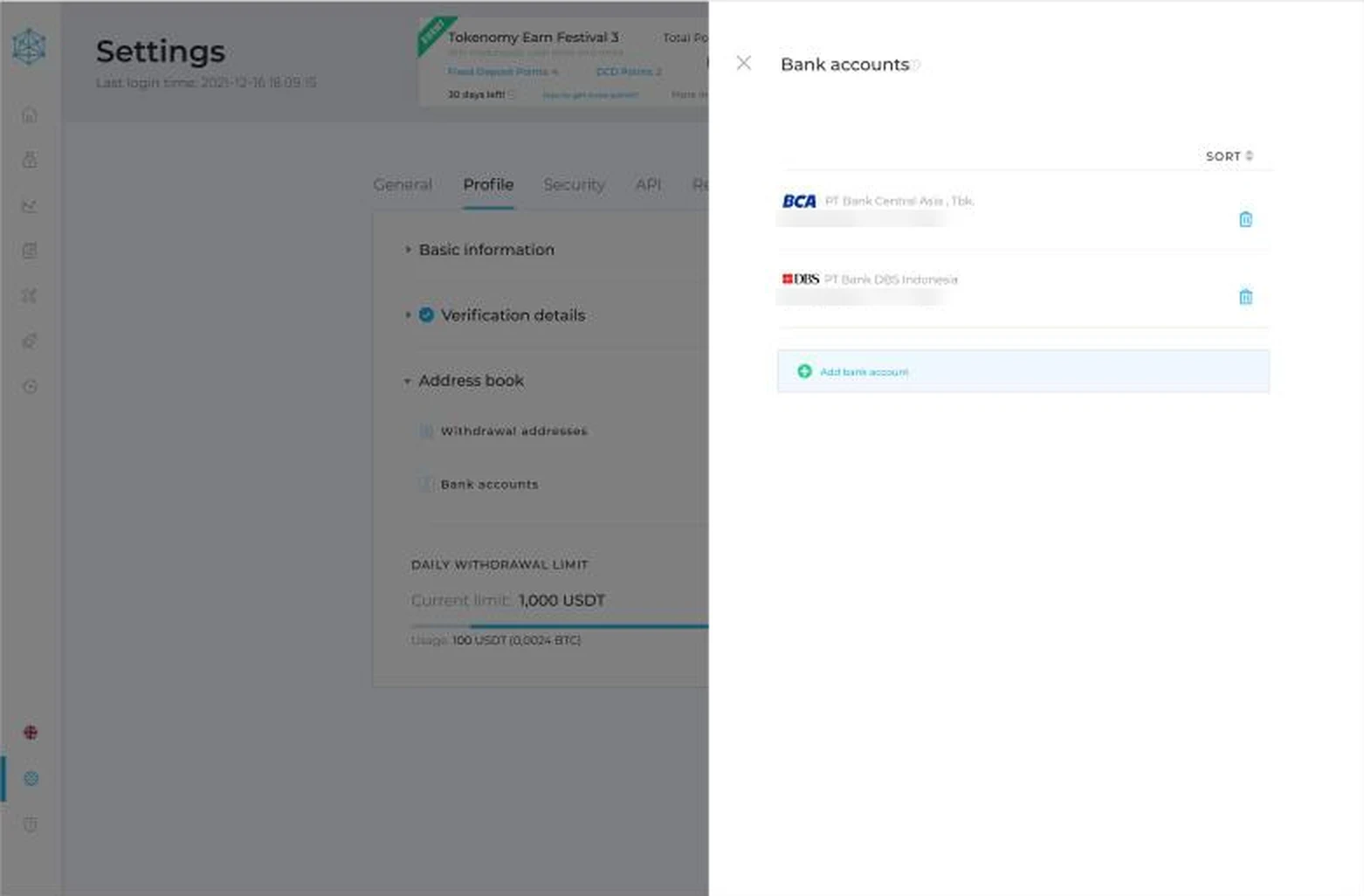
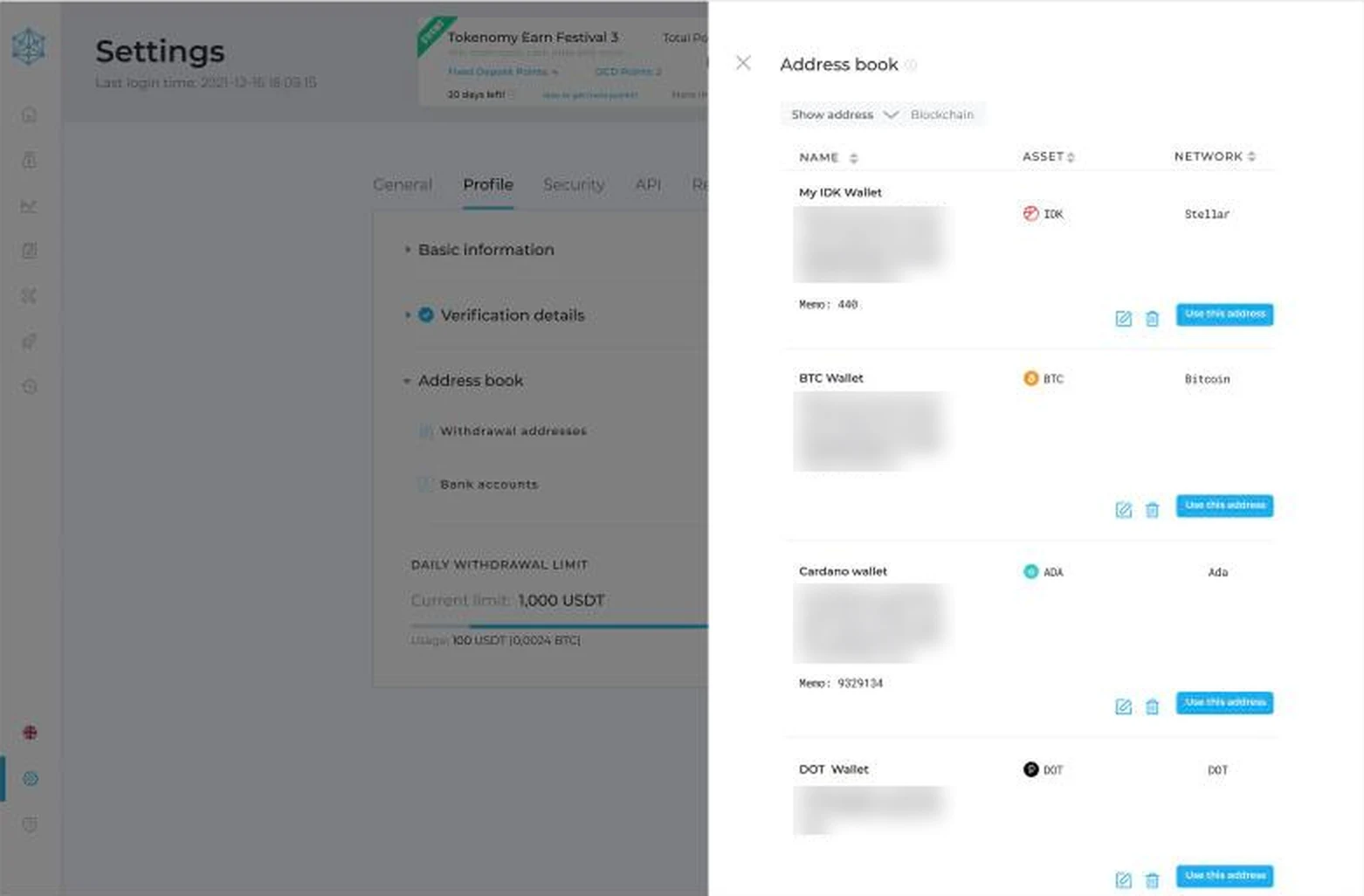
Four ways to place bank accounts
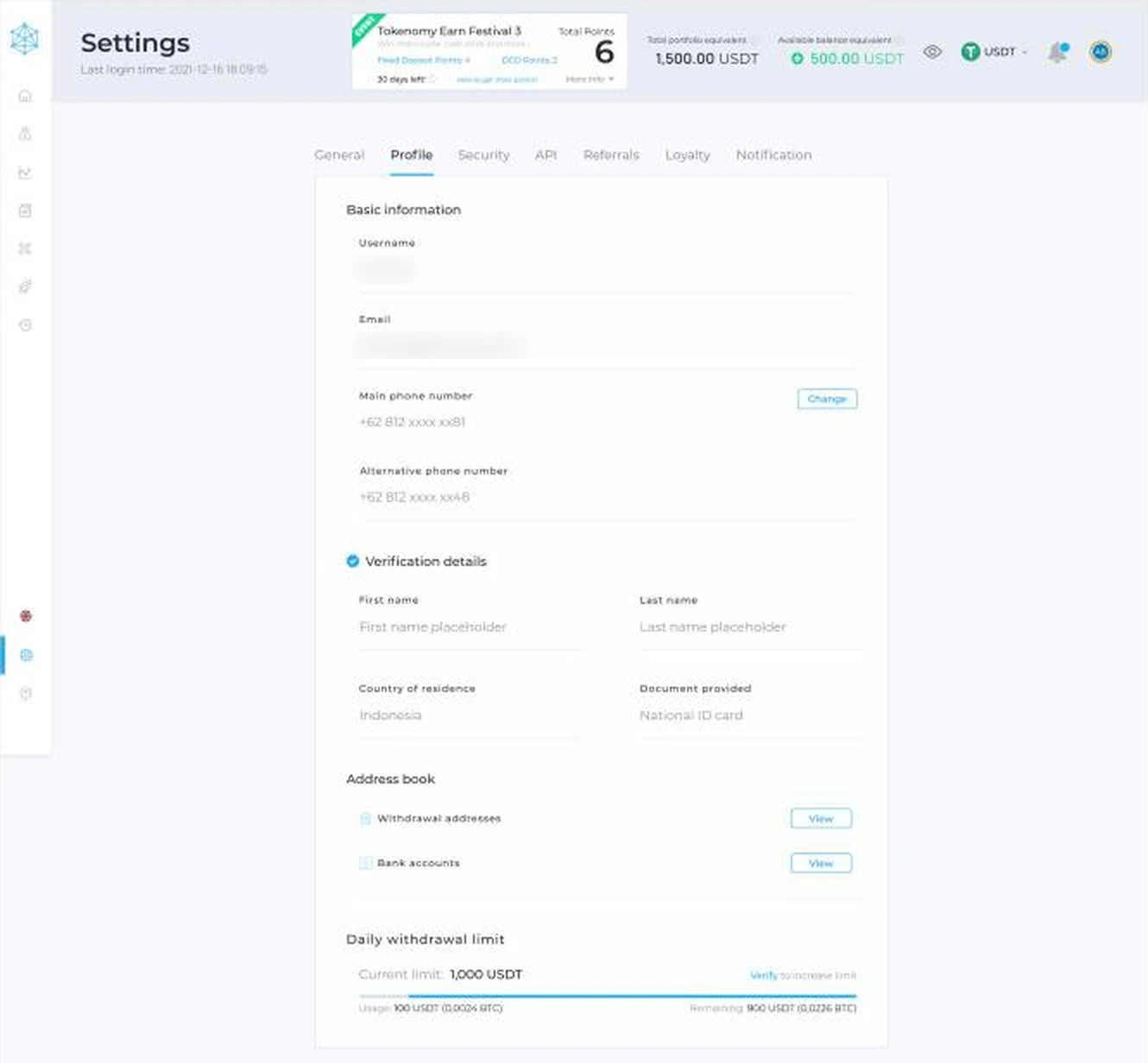
The question was where a bank account belongs in settings, and how it sits next to withdrawal addresses.
The decision
Safety first: keep payout destinations apart
I chose the Address book inside Profile because the destination of a withdrawal is the most sensitive thing a user sets up. It has to be properly secluded: a separate, deliberate place in settings, away from the screens people use every day to trade. Each type of destination opens its own view, so nobody adds a bank account by accident while doing something else.
Result
Shipped
The feature shipped, and the tech team built it. I don't have usage figures to share, and I won't guess at them.
Also see
Related work: Tokenomy Loan, where I designed the flow from application to repayment, and rerac, a personal concept that shows my process from problem to screens.